Setting up the Ethernet Port
You can select the set up the static or dynamic IP Ethernet port connected to the S1000 Controller.

- Access the Setup Menu.
-
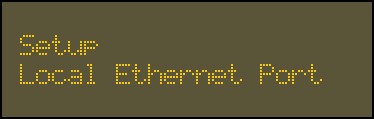
Use the 2 key and 8 key to go to the Local Ethernet Port option.
-
Press
 .
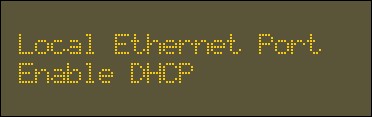
.The first option is the Enable DHCP.
-
Press
.
- Use the 4 key to select Yes.
- Press .
-
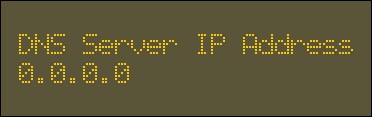
Enter the DNS Server IP Address, provided by the network administrator, using the alphanumeric keys.
- Press .
- Access the Setup Menu.
-
Use the 2 key and 8 key to go to the Local Ethernet Port option.
-
Press
.The first option is the Enable DHCP.
- Press .
-
Use the 6 key to select No.

- Press .
-
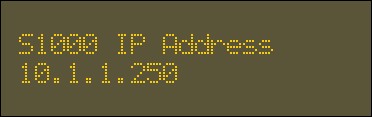
Enter the S1000 IP Address, provided by the network administrator, using the alphanumeric keys.
-
Press
. -
Enter the S1000 Subnet Mask using the alphanumeric keys.

- Press .
-
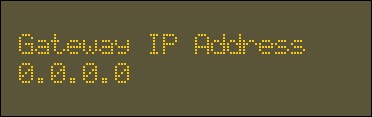
Enter the Gateway IP Address using the alphanumeric keys.
- Press .
-
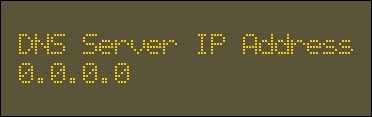
Enter the DNS Server IP Address using the alphanumeric keys.
- Press .