Using Ethernet to Connect to Sonitrol CORE
Use the Alarm Keypad to configure the connected S1000 Controller to communicate with the Sonitrol CORE for remote monitoring.
You must have the following information ready before starting:
- Sonitrol CORE IP address or host name
- TCP port.

- Access the Setup Menu.
-
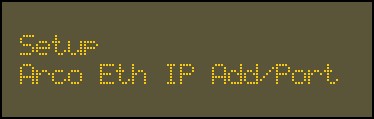
Use the 2 key and 8 key to go to the Arco Eth IP Add/Port option.
-
Press
 .
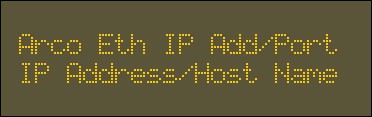
.The first option is the IP Address/Host Name.
- Press .
-
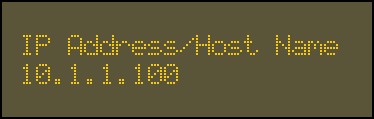
Enter the IP address or host name of Sonitrol CORE, provided by the network administrator, using the alphanumeric keys.
- Press .
-
Enter the TCP Port Number for the Sonitrol CORE using the alphanumeric keys.
 Tip: The default TCP port is 7016.
 - Press .