Setting up for Daylight Savings

- Access the Setup Menu.
-
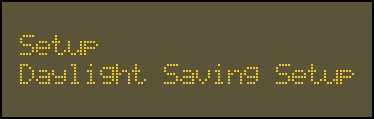
Use the 2 key and 8 key to go to the Setup Daylight Saving Setup option.
-
Press
 to confirm this selection.
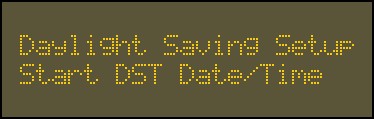
The first option is to Start DST Date/Time.
- Press .
-
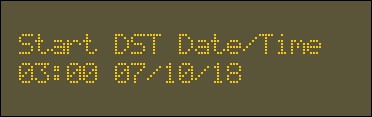
Enter the starting date / time for daylight savings for your region using the alphanumeric keys.
-
Press
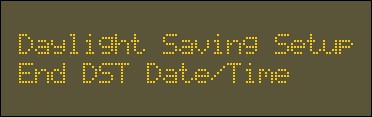
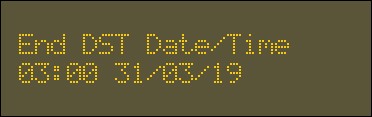
.The second option is to enter the End DST Date/Time.
-
Enter the ending date / time for daylight savings for your region using the alphanumeric keys.
-
Press
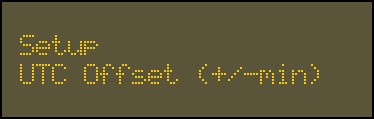
to confirm.The third option is the UTC Offset.
- Press .
-
Enter the Universal Time Coordinated (UTC) Offset in minutes for your region using the alphanumeric keys.
Toggle between ± using the 0 key.
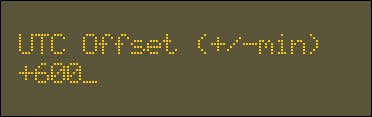 Example: For Sydney, Australia the UTC Offset of +10:00 in minutes is +600.
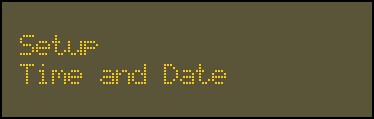
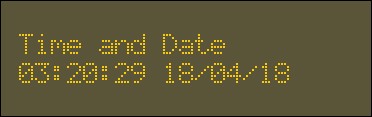
The last option is the Time and Date.
- Press .
-
Enter the current time and date for your region using the alphanumeric keys.
-
Press
.