Getting Started
The Alarm Keypad gets power when the S1000 Controller is ON.
The initial screen displays the Alarm Keypad serial number and firmware version as shown:
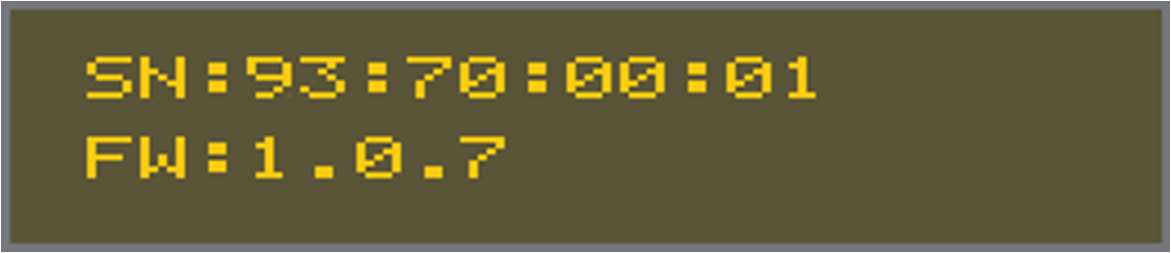
Tip: The initial screen can be accessed only when the power is ON.
You can set the:
|
Option |
Press |
Then |
|---|---|---|
|
device address |
1 |
Enter the address. The Alarm Keypad device loop address for the Sonitrol CORE configuration. The Device Loop Address must exactly match what is entered in the Sonitrol CORE. |
|
baud rate |
2 |
Enter the Alarm Keypad signal baud rate for communication. Make a selection from the baud rate options displayed. |
|
encryption |
3 |
Enter the custom encryption key for additional security. |
Press # to enter and * to exit.
Tip: If no selection is made, the Alarm Keypad goes to the Status screen.