Setting up
The Setup Menu is used to manage the connected S1000 Controller.
To access the Setup Menu, the following requirements must be met:
- at least one area must be disarmed
- an alarm keypad must be associated with the area
- the person accessing the Setup Menu must have a user role at the Engineer level
- the user has log in Access Level 3
- the keypad is in EN 50131 compatible mode.
How to access the Setup menu
-
Press
 .
.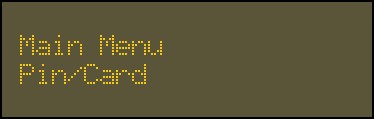
- Swipe your access card or enter your PIN.
-
Press
 .
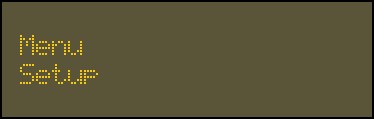
.
-
Use the 2 key and 8 key to go up or down to each option.
- Press to confirm a selection.