Using Cellular Communications to Connect to Sonitrol CORE
Include the connected S1000 Controller as part of the Sonitrol CORE solution.

- Access the Setup Menu.
-
Use the 2 key and 8 key to go to the Local GPRS Card Port option.
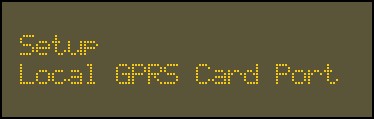
-
Press
 .
.The second option is Arco GPRS IP Add/Port.
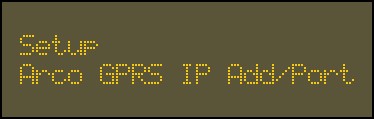
-
Press
.The next option is IP Address/Host Name.
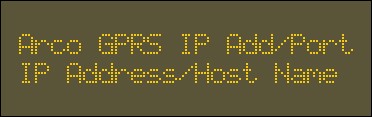
- Press .
-
Enter the IP address or host name of Sonitrol CORE using the alphanumeric keys.
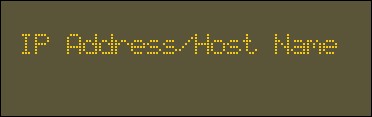
- Press .
-
Enter the TCP Port Number for Sonitrol CORE using the alphanumeric keys.
 Tip: The default TCP port is 7016.
 -
Press
.The third option is Arco 1 Auth Key.
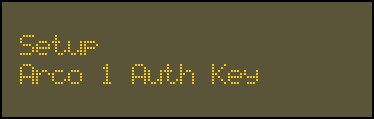
- Press .
-
Enter the authentication key for Sonitrol CORE, provided by the network administrator, using the alphanumeric keys.
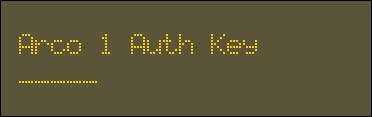
-
Press
.