Entering the Time and Date
You can enter the current time and date of your region using the Alarm Keypad.
How to set the time and date
- Access the Setup Menu.
-
Use the 2 key and 8 key to go to the Time and Date option.
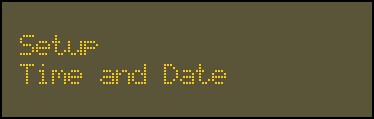
- Press
 .
. -
Enter the current time and date for your region using the alphanumeric keys.
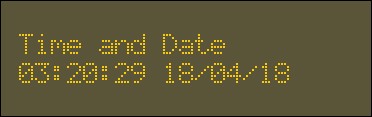
-
Press
.