Entering a Site Description
A descriptive identifier can be assigned to the S1000 Controller or site using the Alarm Keypad.
How to enter a site description
- Access the Setup Menu.
-
Use the 2 key and 8 key to go to the Setup Description option.
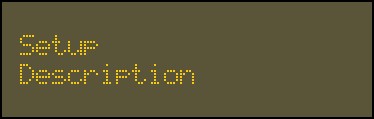
- Press
 to confirm this selection and enter the description.
 -
Enter the controller or site description using the alphanumeric keys.
You can enter up to 20 characters.
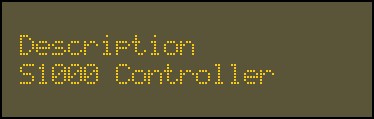
- Press to confirm.