Normal User Access
Normal user access (Access Level 2) has:
- full control of system areas and door access
- the ability to change their own PIN
- limited ability to configure custom users.

-
Select the Main Menu using the keypad arrow keys, then press
 .
.
-
Select the Change My PIN option.

-
Enter your new PIN using the alphanumeric keypad keys, then press
.
The new PIN must be at least 4 alphanumeric characters and a maximum of 8.
For EN 50131 compliant systems, the PIN must be at least 6 characters.
-
Re-enter your PIN, then press
.
Normal users are able to create new users for the system.
-
Select the Main Menu using the keypad arrow keys, then press
.
-
Select the Setup Users option.

-
Select the Enrol New User option.

-
Select the User Id option.

-
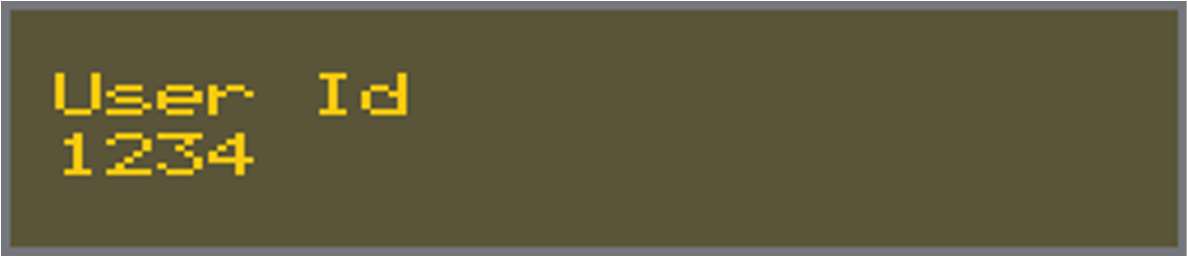
Enter the user's ID using the alphanumeric keys, then press
.
The Alarm Keypad displays an automatically generated PIN.

As the User ID and PIN are visible on the Display screen, make sure that they are immediately secured. Provide the new user with their User ID and PIN.
-
Select the Main Menu using the keypad arrow keys, then press
.
-
Select the Setup Users option.
-
Select the Enrol New User option.
-
Select the Access Card option.

-
Tap the new access card on the Alarm Keypad.