Custom User Access
Custom user access (Access Level 1) has:
- access to specific rooms and areas
- no access to the Main Menu or Setup configuration.
2 custom user levels can be created.

A custom user can log in to the system even if the site or area remains armed. They are free to do their set tasks for their specific roles.
A custom user can be a Patrol or a Cleaner. They may be allowed to access the main area or storage area.
-
Swipe your access card or enter your PIN.
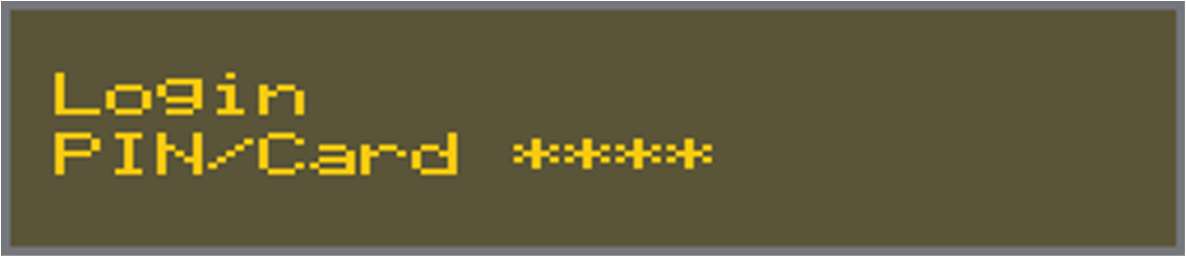
-
Press
 .
.For example, a customer user Cleaner is logged in while the system is still armed.
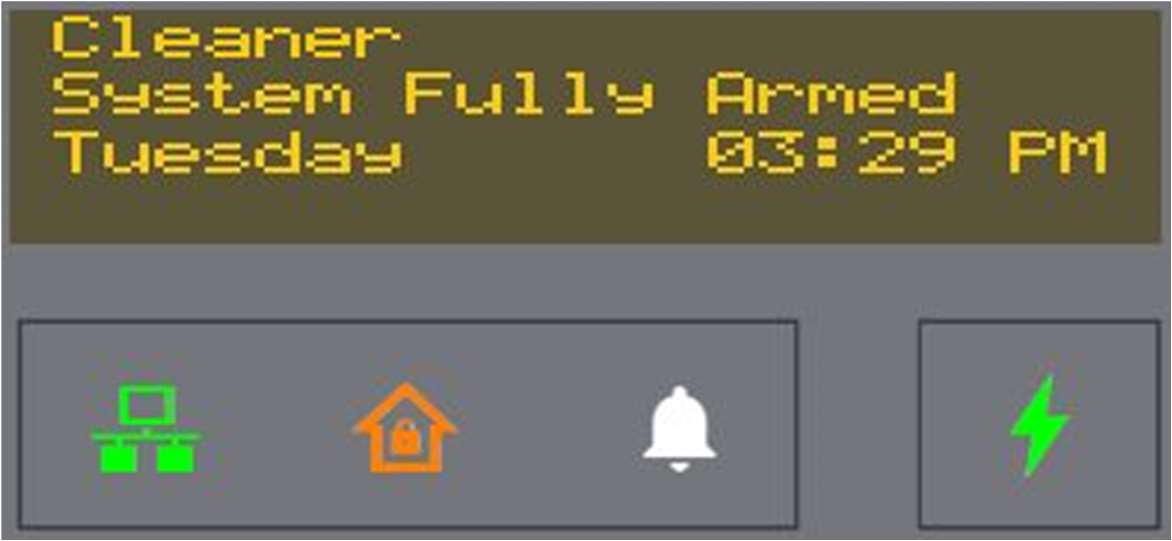
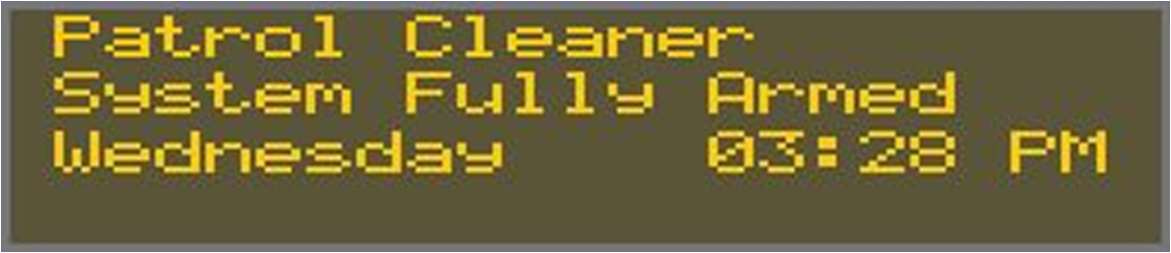
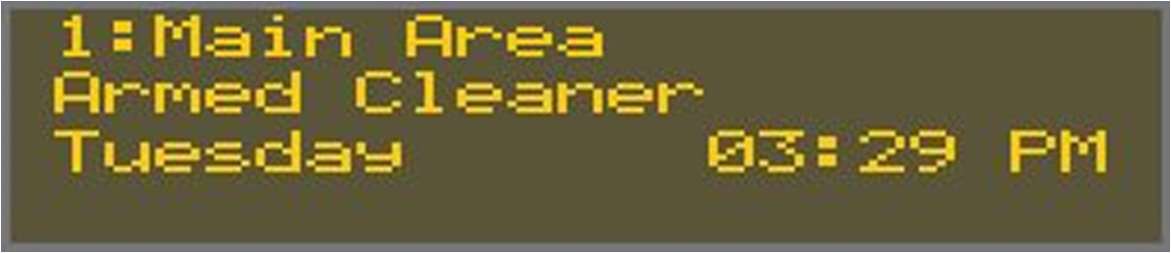
The Alarm Keypad Display screen displays prompts for custom users who log in. The specific area that the custom user access is also displayed.
For example:
|
Patrol and Cleaner custom users are logged in |
|
|
A Cleaner custom user is in the Main Area |
|
|
A Patrol custom user is in the Storage Area |
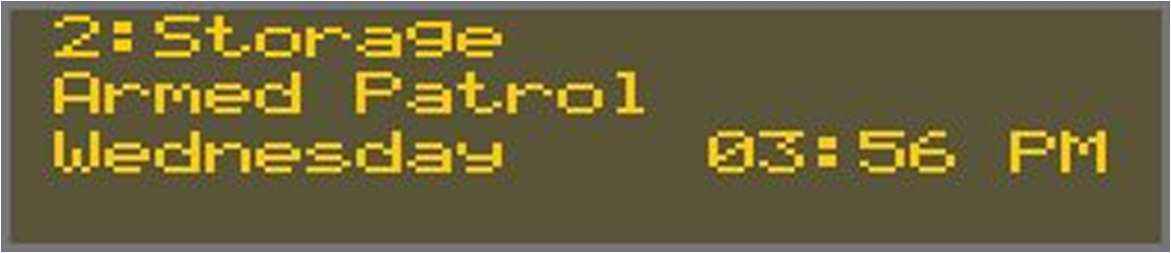
|
After a specific time period, the Alarm Keypad automatically arms when a custom user logs in. The access duration period defaults to 10 minutes. It can be set in Sonitrol CORE.
A custom user is able to manually log out or extend their stay by entering their PIN.
-
Swipe your access card or enter your PIN.
-
Use the keypad up and down arrow keys to select an option.
For example, for a Patrol custom user:
-
Select Exit Patrol to log off.
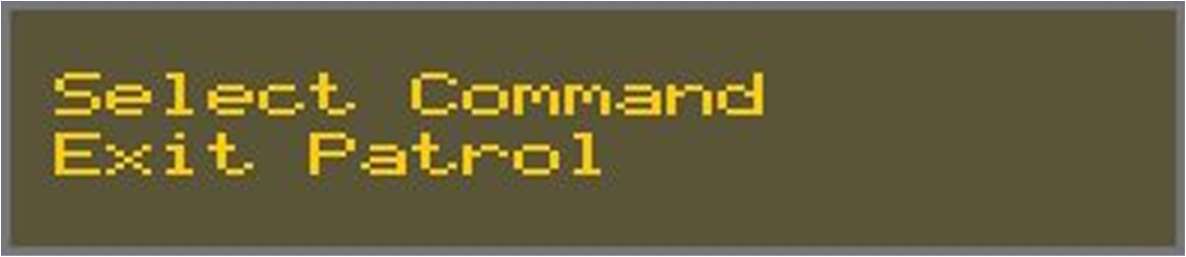
-
Select Extend Patrol to add 10 minutes more to your stay.
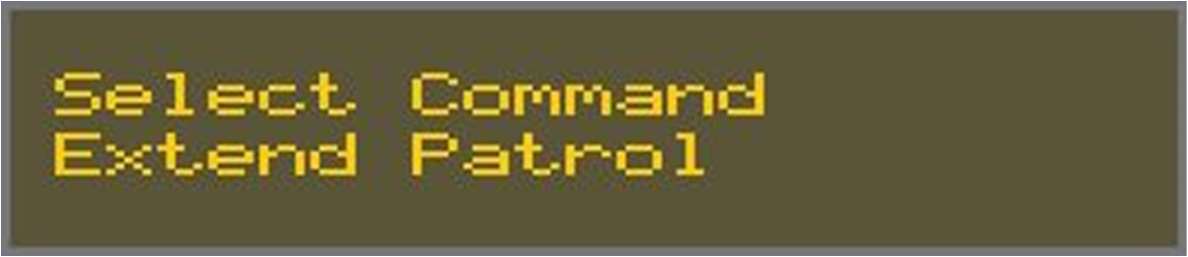
-
-
Press
.The arming process begins. The Alarm Keypad buzzer beeps for the set Exit time.
Once this is done, the system is armed.
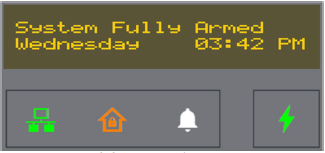
The fully armed idle display shows and the Arm Status LED is amber.