Disarming the System
Disarm your system using the Alarm Keypad to allow for area access and configuration.

All areas of your system can be fully disarmed meaning that they are unlocked.
-
Press
 or
or  .
.
-
Swipe your access card or enter your PIN.
-
Press
to fully disarm all areas.
The menu options are not displayed if only one area exists in the system.
The system is now fully disarmed.
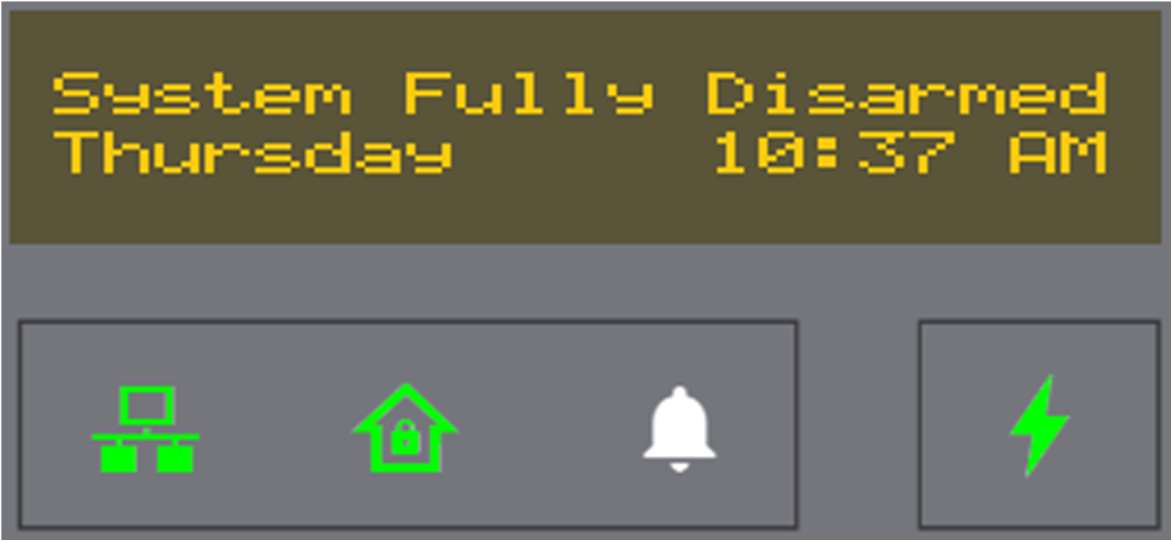
Alarm Keypad set up options can be accessed and the Alarm Status LED is Green.
Specific areas of your system can be disarmed.
-
Press
or .
-
Swipe your access card or enter your PIN.
-
Use the keypad arrow keys to select the Choose option for selective disarming.

-
Use the keypad arrow keys to go through the list of available areas.


Available commands:
Option
Description
Add
Include the area for multiple selections.
Next
Toggle to the next area.
Rem
Remove the area from the selection.
-
Select an area.
-
Press
on the selected Arm option to confirm.
The selected area is now armed.
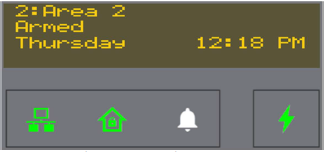
Alarm Keypad set up options can be accessed and the Alarm Status LED is green.