Switches
|
Label # |
Switch |
Description |
|---|---|---|
|
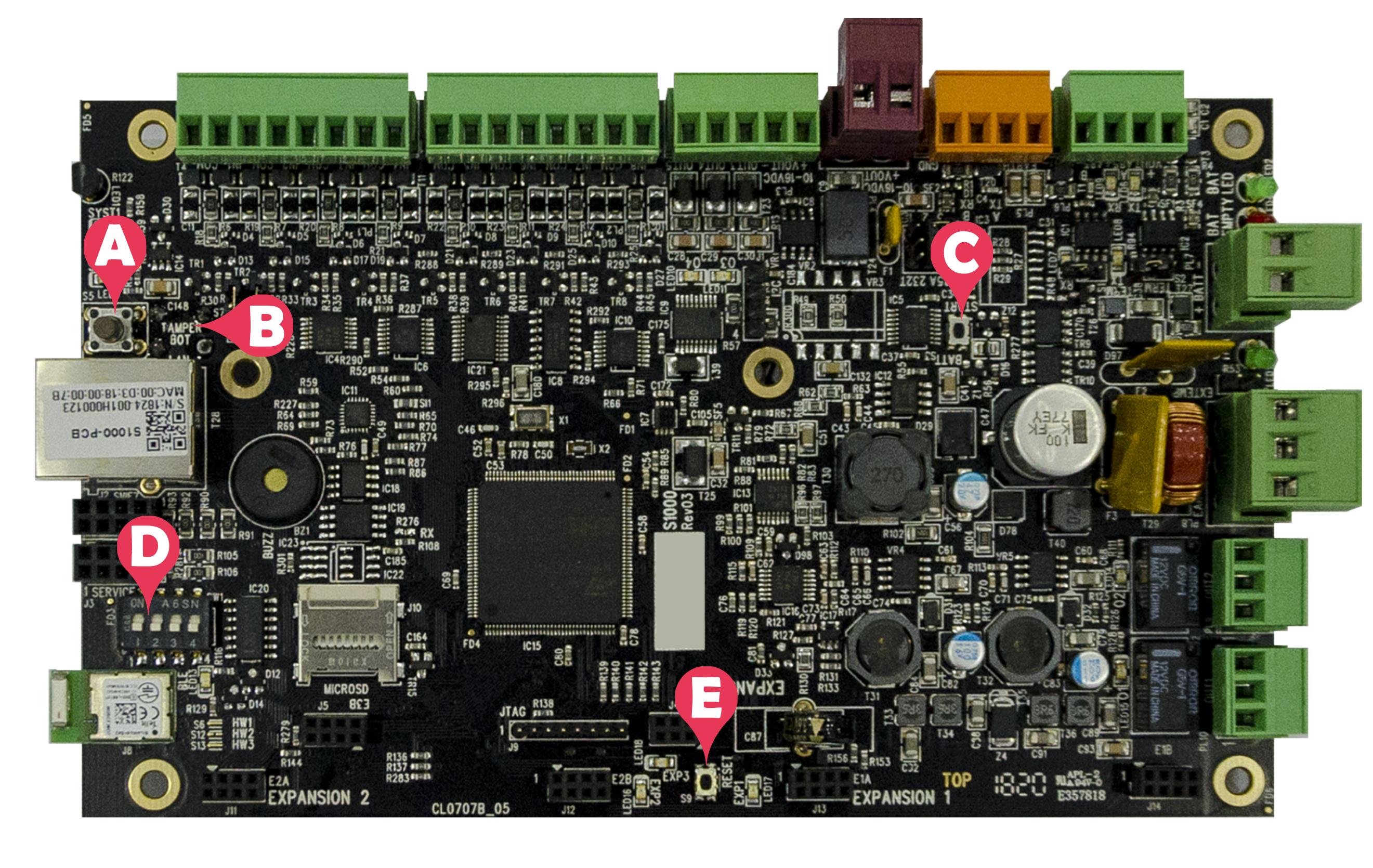
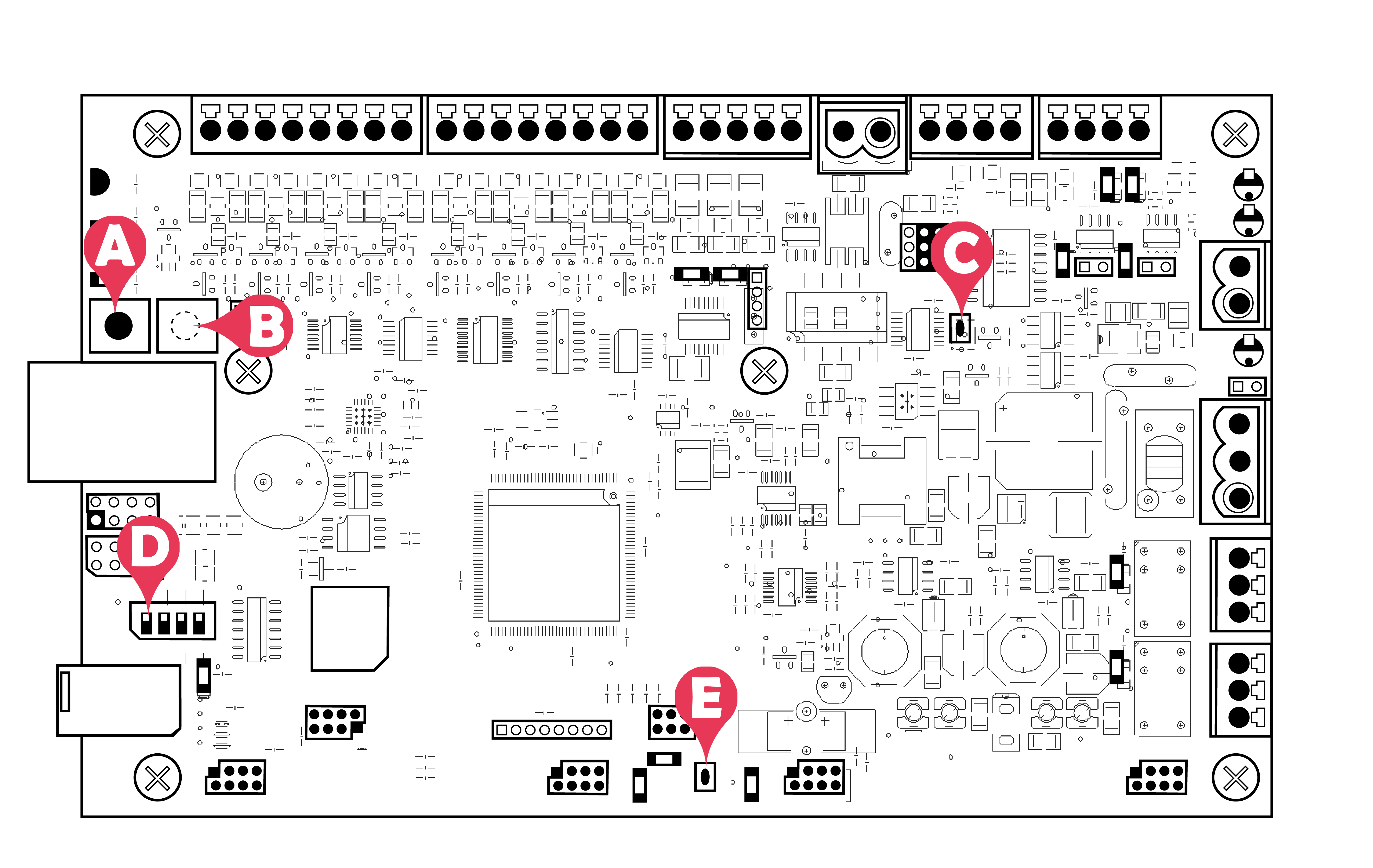
A |
Pushbutton switch S5 |
Enclosure lid tamper sensor |
|
B |
Pushbutton switch S11 |
Enclosure off-the-wall tamper sensor |
|
C |
Pushbutton switch S3 |
Controller start with battery power only S3 is used to connect a replacement battery without the main power being connected. |
|
D |
DIP switch SW1 |
Switch 1: ON to rescan and auto-configure devices Switch 2: Unused Switch 3: ON to disable SSL Switch 4: ON to reset the system parameters to the default |
|
E |
Pushbutton switch S9 |
Reset the S1000 Controller |