Default Settings
Note: Resetting the S1000 Controller erases all previous configuration settings.
To reset the S1000 Controller to default settings, turn DIP Switch 4 ON.
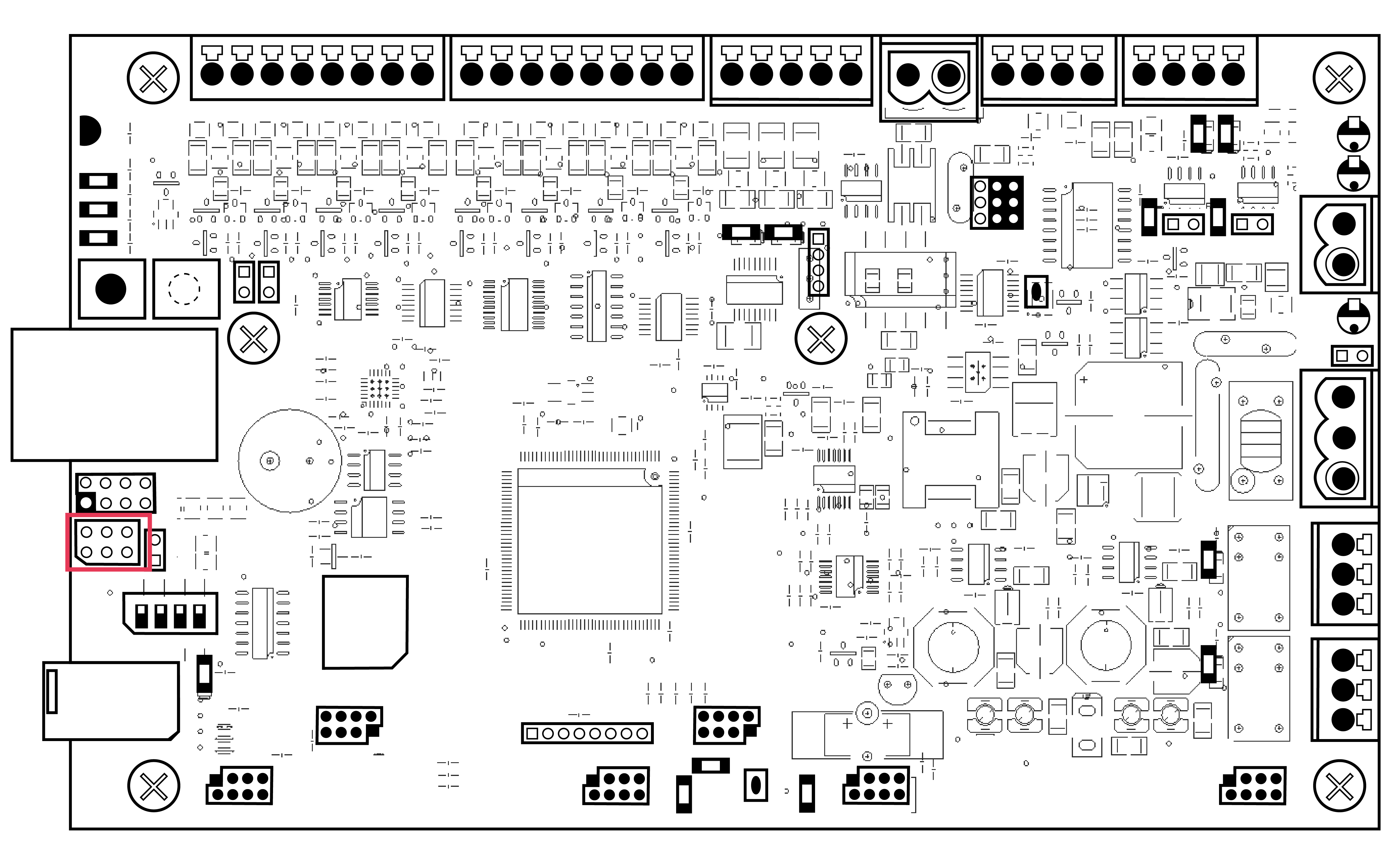
For the default settings:
- Area 1 only.
- Expansion cards are detected.
- All inputs are set to active in the armed state.
- 1 keypad is programmed onto each of the 2 serial ports.
- Serial ports are set to OSDP protocol, 38K4 and 8N1.
- Network port (Ethernet, GPRS and PSTN) are configured to default, but not enabled to report to Sonitrol CORE.
- The default PIN for an Engineer user is 2405.
- The default PIN for a normal user is 123456.